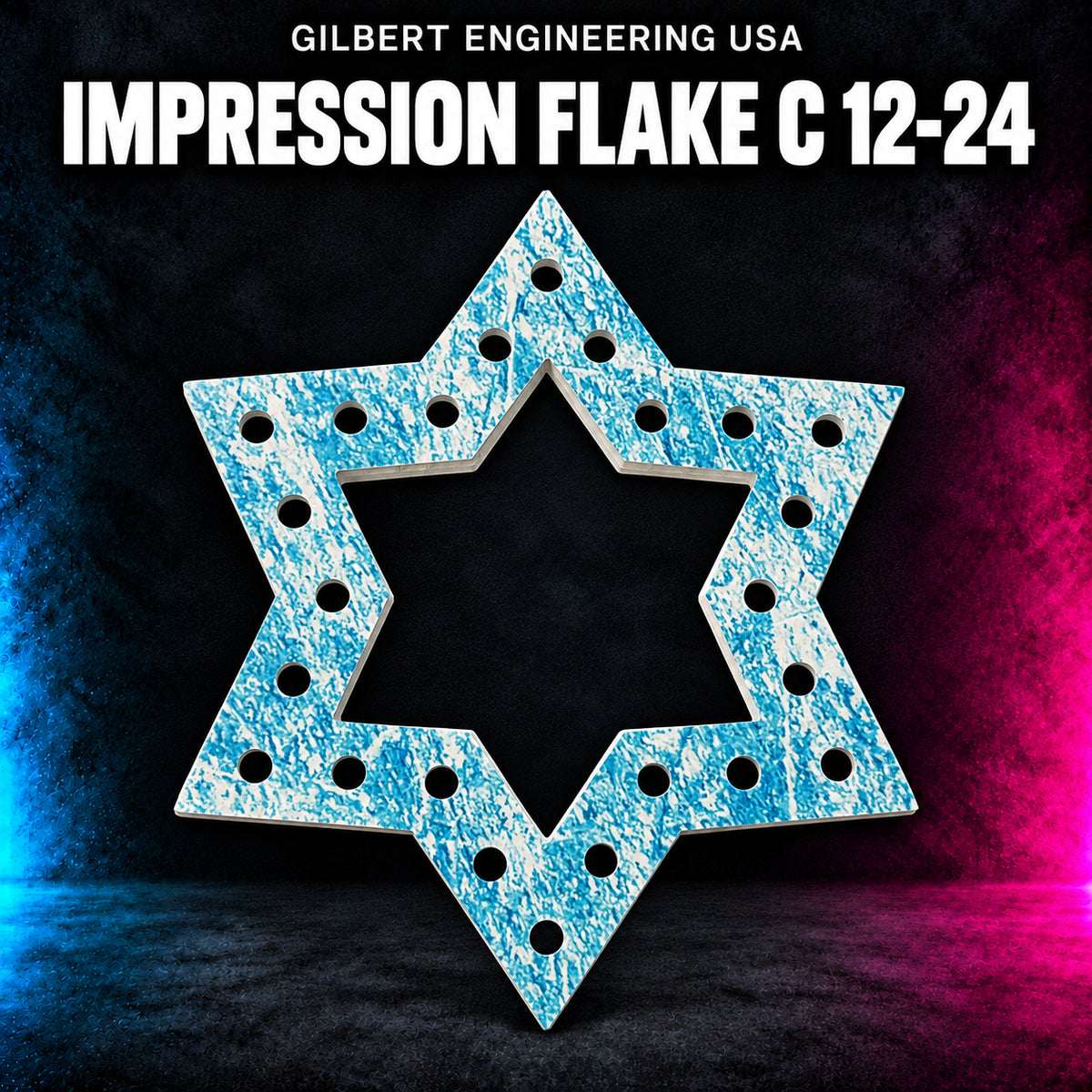


Choose Without Pixels for the coro prop only, or select With EVO or With EVO Dome to include matching pixels. Pixel bundles are unassembled; pixels are not installed.
With EVO and With EVO Dome options include 12V WS2811 pixels with black wire, 4-inch spacing, and M-Connect ends. Full strands are supplied; spare pixels may be included.
Pixel counts below apply only to options with pixels. Without Pixels includes no pixel strands.
- WHITE / 3.75in; 10 node: 10 pixels required, 100 pixels supplied.
- WHITE / 3in; 6 node: 6 pixels required, 100 pixels supplied.
- WHITE / 2.25in; 6 node: 6 pixels required, 100 pixels supplied.
- WHITE / 2.25in; 3 node: 3 pixels required, 100 pixels supplied.
- BLACK / 3.75in; 10 node: 10 pixels required, 100 pixels supplied.
- BLACK / 3in; 6 node: 6 pixels required, 100 pixels supplied.
- BLACK / 2.25in; 6 node: 6 pixels required, 100 pixels supplied.
- BLACK / 2.25in; 3 node: 3 pixels required, 100 pixels supplied.
See the original prop listing for dimensions, mounting requirements and model information.
ChromaPuck Mini — Pixel Bundle
What This Is For
Small circular ChromaPuck mounting pieces for grouping pixels across a larger display area. Several diameter and node-count options are listed, and a center mounting hole lets the puck be secured with a suitable stake or nail. Choose Without Pixels for the prop only, or With EVO or With EVO Dome to add lights. Pixels require installation.
JR Recommends
Choose the puck size and node count together. Lay out the spacing across your display area before ordering multiples so the resulting grid matches the effect you want. Plan controller capacity and power for the selected configuration.